

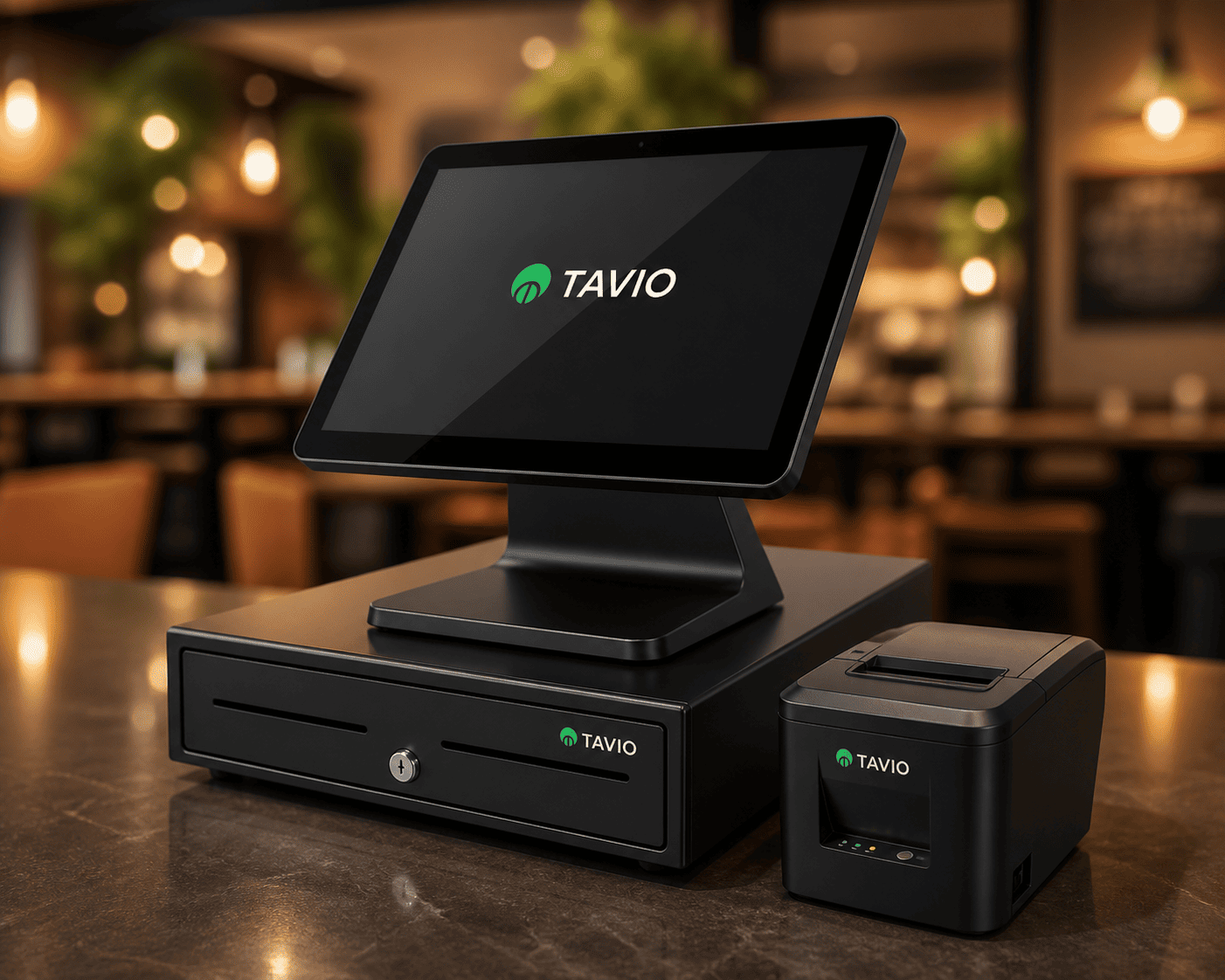
Hardware that fits the floor
Tablets, printers, kitchen screens, handhelds, and a self-order kiosk if we set one up for you. Software-only if you already have devices.
Devices & leaseOrders, kitchen, stock, staff, payments, and reporting in one system, built for South African venues.
30 days, no card required. Or call +27 62 753 8020
Everything your venue needs to take orders, run the kitchen, control stock, manage staff, and close the night cleanly.

Tables, transfers, parking, discounts, and Timed Discounts on tablets and phones your team already knows.
Ask questions on your own sales, stock, and staff numbers. Get answers you can act on before close.
Use your own tablets, add a self-order kiosk, or lease a full package and own it after 24 months.
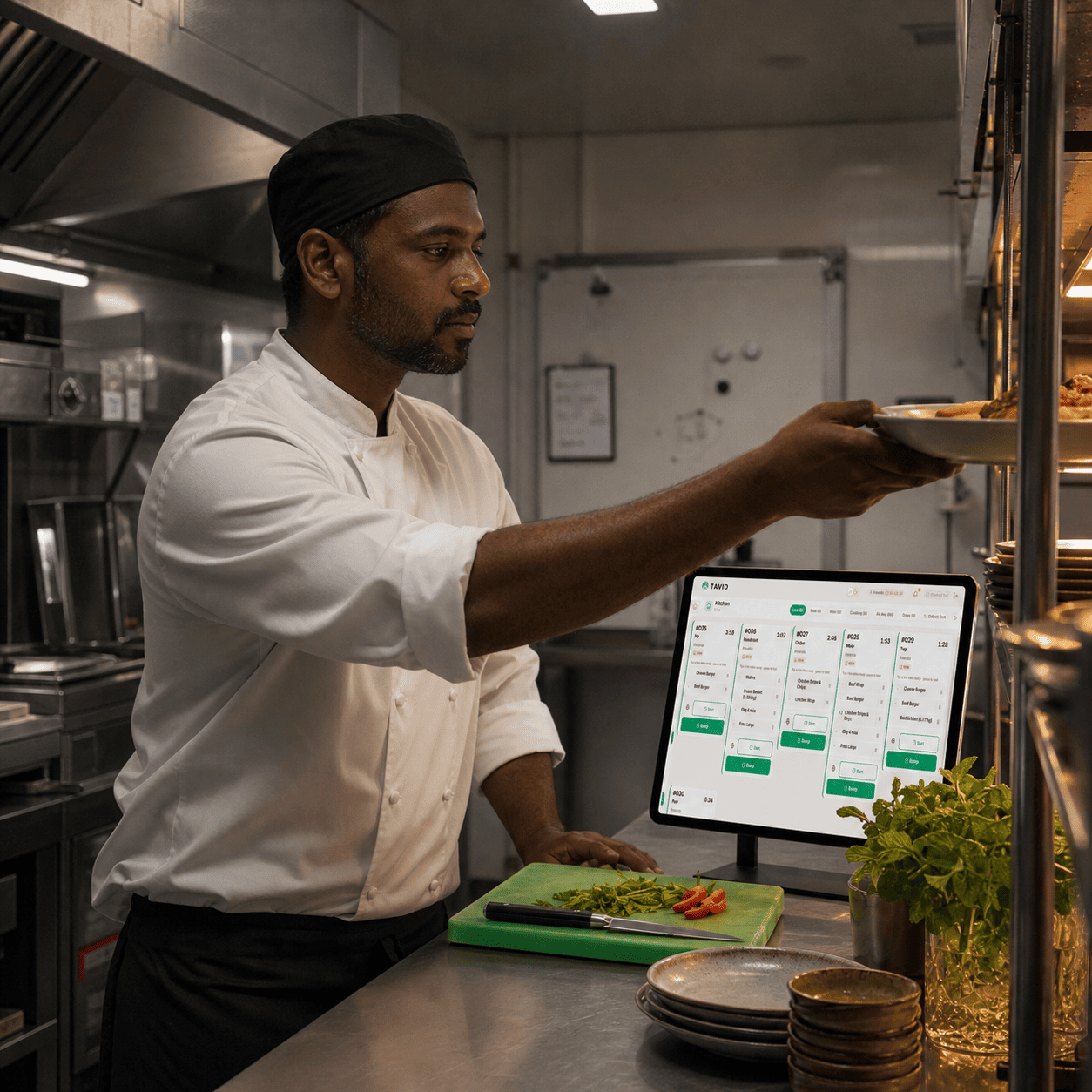
Food tickets on screen with clear status: sent, preparing, ready. Print when you need paper.

Depletion, stocktakes, variance, costing, and shot-based bottle control for bars.

Staff codes, roles, clock-in, sessions, and cash-up trails managers can trust.

Guests order at a dedicated kiosk. They pay at the counter. Set up on Enterprise package venues.

Live sales, kitchen vs bar, unpaid and comps, staff performance, and exports.
Tables, signed tabs, comps, tips, kitchen tickets, and stock that moves with every sale. Not a generic till with extras bolted on.
Book a walkthrough
What staff do on the till, what the kitchen sees, and what you can still prove at cash-up.
Tills on Enterprise package venues keep working when venue Wi-Fi or fibre dies.
A live food board at the pass, not a pile of dockets. On Growth and Enterprise package venues.
Guests order at a dedicated kiosk. They pay at the counter. Tavio sets it up on Enterprise package venues.
When an order closes, stock comes off the item or the recipe behind it.
Close a bill cleanly, with every method still visible at cash-up.
Each person signs in with their own staff code, not a shared till login.
See the night while it is still running. You do not wait for a morning export.
Ask in plain language. Answers come from your venue data, not generic restaurant advice.
Use kit you already have, or lease from Tavio and own it after 24 months.
Tavio POS is a multi-device point of sale system for South African restaurants, bars, and hospitality venues. It covers orders, kitchen display, stock and recipes, staff, payments, and reporting, including offline mode.
Tavio POS is Tavio’s restaurant point of sale. Venues across South Africa use it on tablets, phones, and web to run the floor, kitchen, and back office in one system.
Yes. Tavio POS is built for South African restaurants, bars, and events — the floor, kitchen, stock, and cash-up in one system.
Control on the floor, clarity in the kitchen, and numbers managers can trust at cash-up.
Tablets, printers, kitchen screens, handhelds, and a self-order kiosk if we set one up for you. Software-only if you already have devices.
Devices & leaseMenus, stock, staff, unpaid, and reporting in one place, including on mobile for owners.
Back officeClear ticket flow so the floor and kitchen stay aligned when volume picks up.
Kitchen displayTake orders on the floor, check sales, and ask Tavio iQ from your phone. Same Tavio POS app on the App Store and Google Play.


Serving restaurants, bars, and cafés across South Africa.
Core POS, tips, and basic inventory for a focused single site.
Start free trialKitchen display, recipes, stocktake, variance, and deeper analytics.
Start free trialMulti-site, offline sync, audit depth, Tavio iQ, self-order kiosk, and dedicated support.
Start free trialTry Tavio free for 30 days. No credit card. We will walk you through setup for your venue.